
The Five Help Desk Tickets We See Most

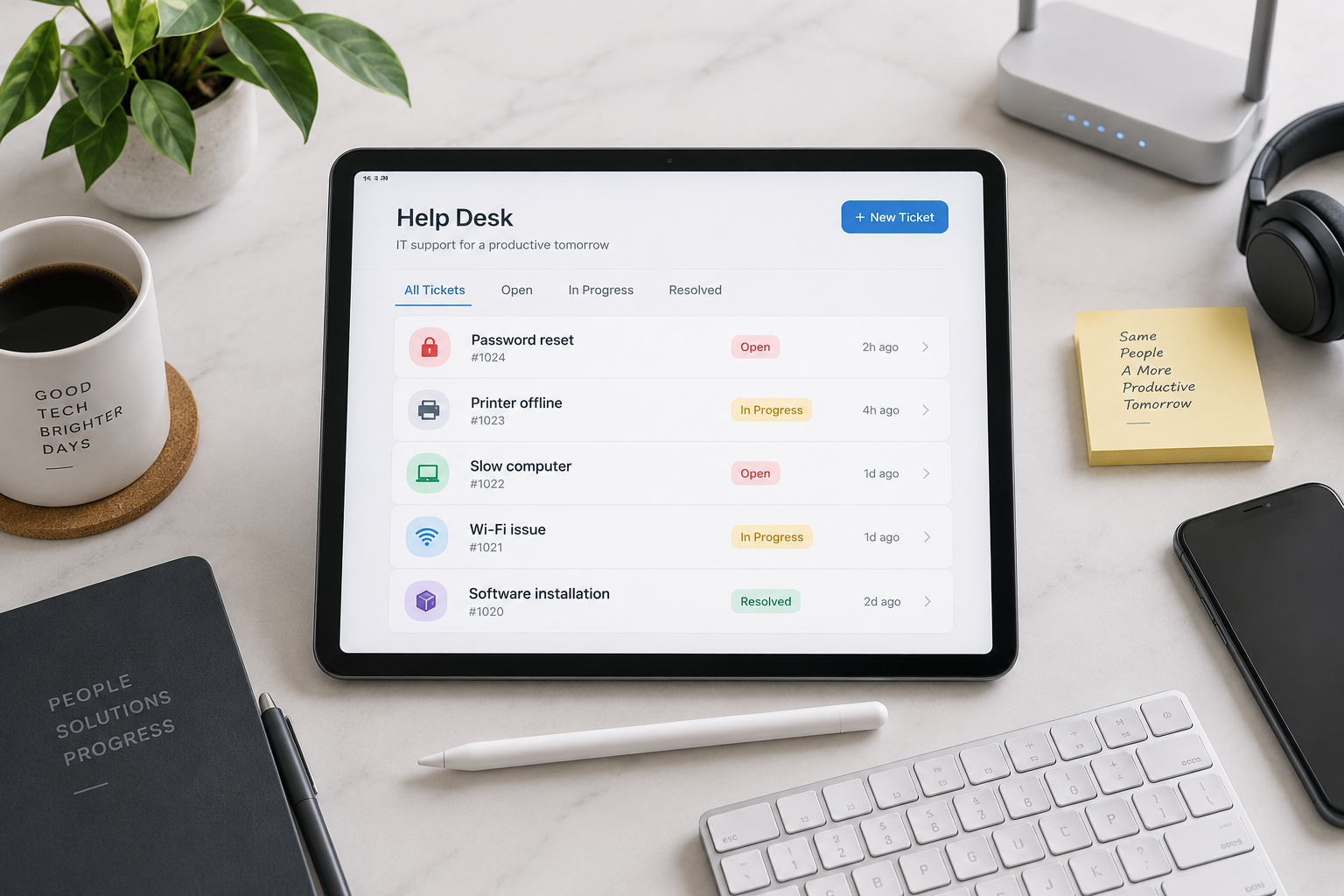
The best help desk ticket is the one that never has to be opened.
If technology problems only happened once, they would be much more interesting. Unfortunately, most help desk tickets are repeat customers. The names change and the computers change, but the story is often familiar: someone cannot sign in, a computer has slowed to the speed of cold molasses or a printer has decided it no longer recognizes the authority of humans.
These issues may sound minor, but they interrupt work, consume employee time and occasionally inspire language that would not belong in an employee handbook. Here are five of the most common help desk tickets we see, along with practical ways to prevent them.
1. I Am Locked Out of My Computer
This usually starts with a forgotten password, too many incorrect attempts, an expired credential or a user returning from vacation with absolutely no memory of what they typed two weeks earlier. I understand. After a few days away, I occasionally need to look at the sign outside to remember where I work.
Account lockouts can be reduced with properly configured password policies, multifactor authentication, secure password managers, self-service password reset and Windows Hello for Business. A managed identity system also gives the help desk a clear and secure process for verifying the user before restoring access.
That last part matters. Resetting a password quickly is good. Resetting it for the wrong person is considerably less good.
2. My Computer Is Slow
A slow computer can have many causes. It may be running out of storage, short on memory, buried under startup applications, missing updates, infected with unwanted software or simply old enough to remember when fax machines were exciting.
Regular patching, scheduled restarts, hardware lifecycle planning, security monitoring and proactive performance alerts can catch many of these problems before the user notices them. A professionally managed network provides visibility into disk health, memory usage, failed updates, security events and hardware age. Instead of waiting for someone to report that the computer is slow, the IT team can often identify the cause and correct it first.
3. I Cannot Print
Printers remain one of technology’s great mysteries. We can hold a video meeting with someone on another continent, but printing a two-page document can still become an afternoon project.
Common causes include a disconnected printer, a stuck print queue, the wrong default printer, an outdated driver, a changed network address or a device that has simply wandered off into its own private emotional crisis. Standardizing printers, centrally managing drivers and queues, monitoring device availability and documenting locations makes support much faster. It also reduces the collection of mystery printers someone purchased because they were on sale at a warehouse club.
4. I Need This Software Installed
Software requests are not a problem by themselves. The problem begins when every employee can install anything found on the internet. That is how companies acquire duplicate applications, unexpected subscriptions, browser toolbars, licensing problems and software that arrives with more passengers than a bus station.
A managed environment uses standard applications, controlled administrator privileges, approved installation procedures, automated deployment and centralized patching. Employees still get the tools they need, but the business maintains security, licensing, compatibility and supportability.
Good application management is not about saying no. It is about making sure that yes does not create three new tickets next Tuesday.
5. I Cannot Access the Internet, Email or Shared Files
When someone says the internet is down, the internet is rarely down. More often, one device lost its wireless connection, a cable came loose, a cloud session expired, a switch port failed or access permissions changed. To the user, however, the distinction does not matter. Work has stopped.
Reliable business connectivity requires more than a modem sitting on a shelf with blinking lights. It requires properly designed cabling, managed switches, secure wireless coverage, monitored firewalls, documented cloud services, current permissions and tested backup connectivity where the business needs it.
Professional monitoring helps isolate whether the problem affects one user, one office or the entire organization, which saves a great deal of guessing and unplugging random things.
The Bigger Picture
Help desk support is essential, but the real goal is not to become excellent at fixing the same problem repeatedly. The goal is to reduce how often those problems happen in the first place.
A professionally managed network brings together monitoring, patching, cybersecurity, identity management, backups, documentation, hardware standards, software control and responsive support. These systems provide context. When a user calls, the technician can see the device, its history, its security status and the changes that may have caused the issue. That turns troubleshooting from detective work into a more controlled process.
It also changes IT from reactive repair to proactive management. Aging equipment can be replaced before it fails. Storage problems can be corrected before a computer grinds to a halt. Security updates can be deployed consistently. Backup systems can be tested instead of merely admired. Recurring tickets can be analyzed and eliminated at the source.
Technology will never be completely free of problems. Printers alone appear committed to preventing that future. But with professional management, common issues become less frequent, less disruptive and much easier to resolve.
The best help desk ticket is still the one that never has to be opened. For everything else, it helps to have a team that already knows your network, your people and where the printer is hiding.